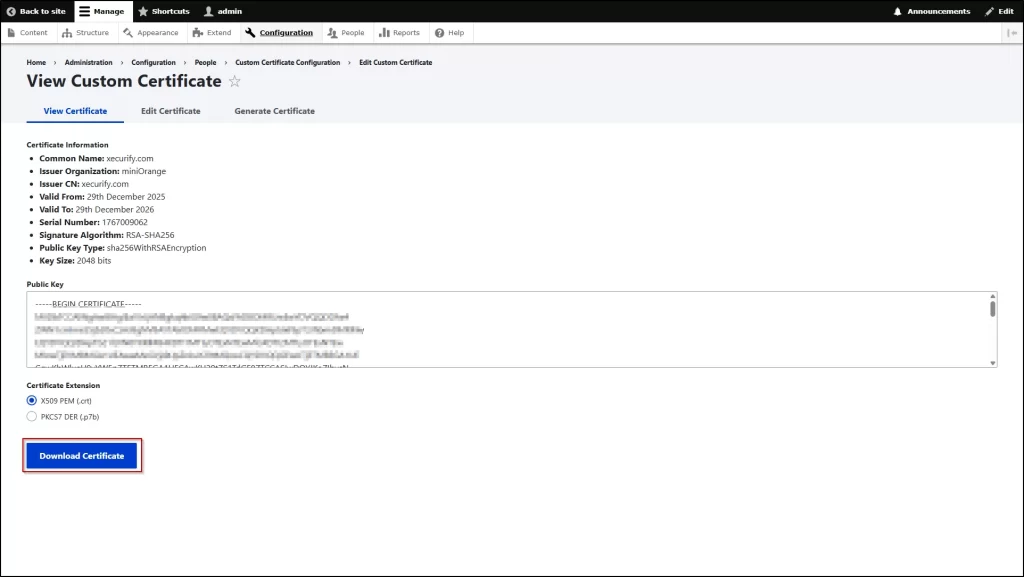
This certificate is used to securely authenticate Drupal applications when accessing and retrieving data from a SharePoint site.
To generate a certificate, the Custom Certificate module is required. To get the module, reach out to us at drupalsupport@xecurify.com. After getting the module follow the below steps to configure it.
Configure Custom Certificate
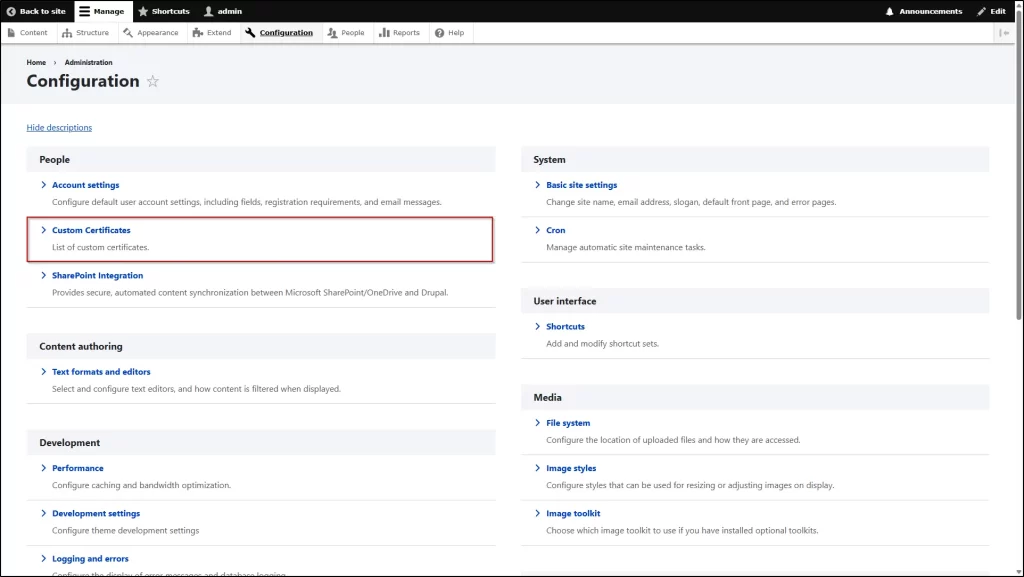
1. After getting the module and installing it on your site, navigate to the Configuration section and click on the Custom Certificates.
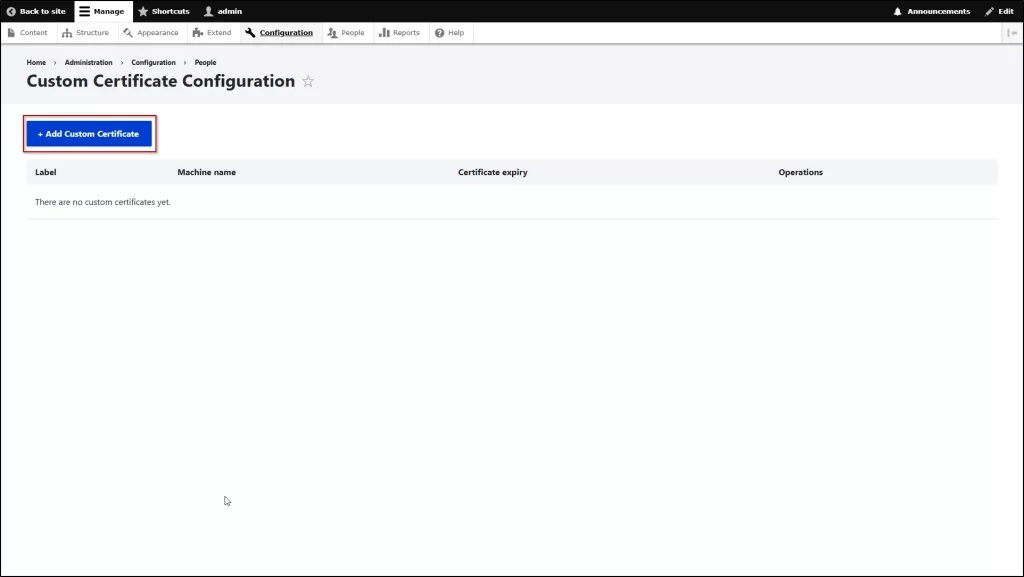
2. After that, click on the +Add Custom Certificate button.
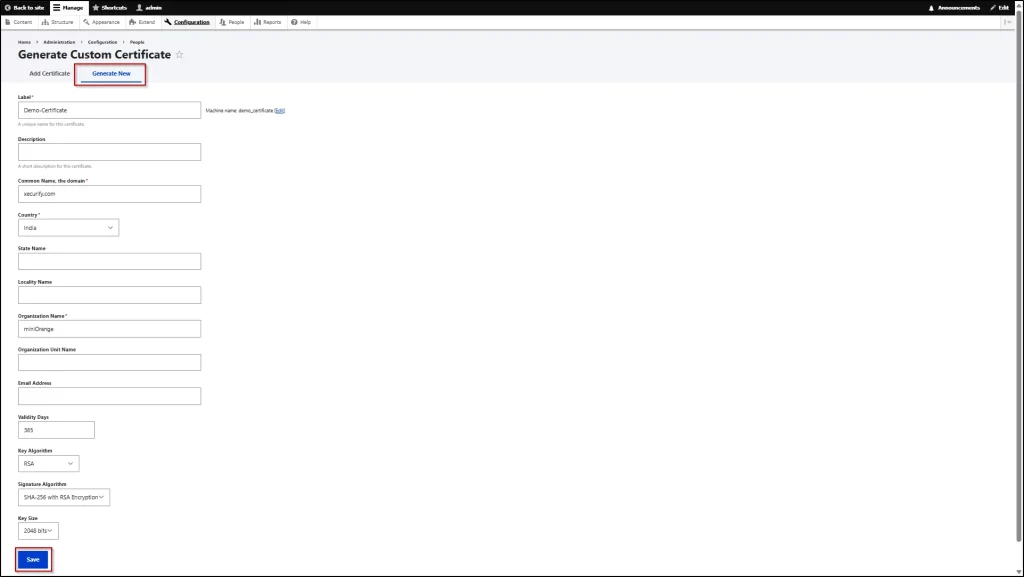
3. Then, go to the Generate New tab, and then enter the required information. Scroll down and click on Save button.
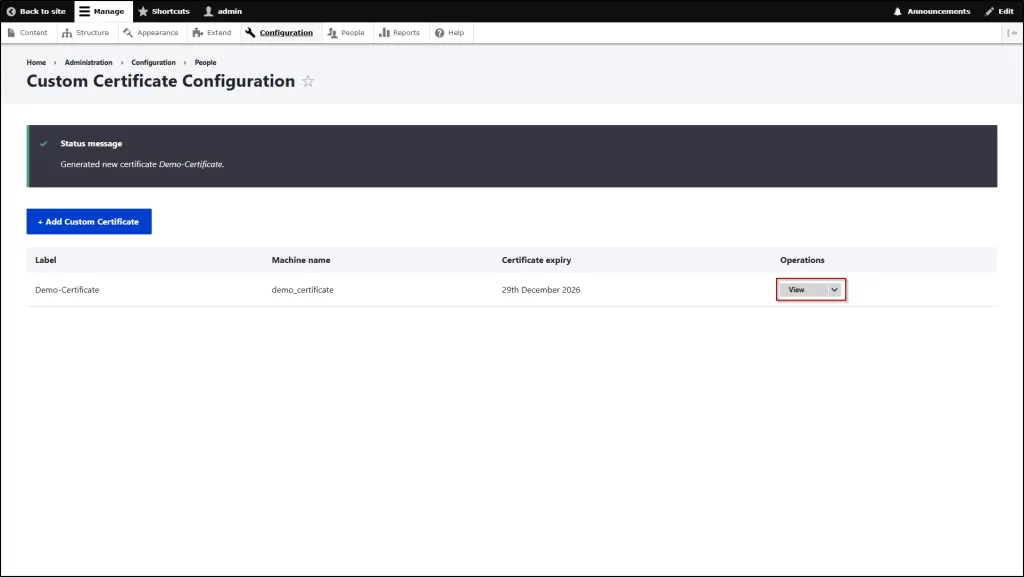
4. After that, click the View button.
5. Now, download the certificate and provide it to Azure for further configuration.