To download the premium plugin you’ve purchased, please follow the steps below:
- Log in to the miniOrange console using the account with which you purchased the premium plugin.
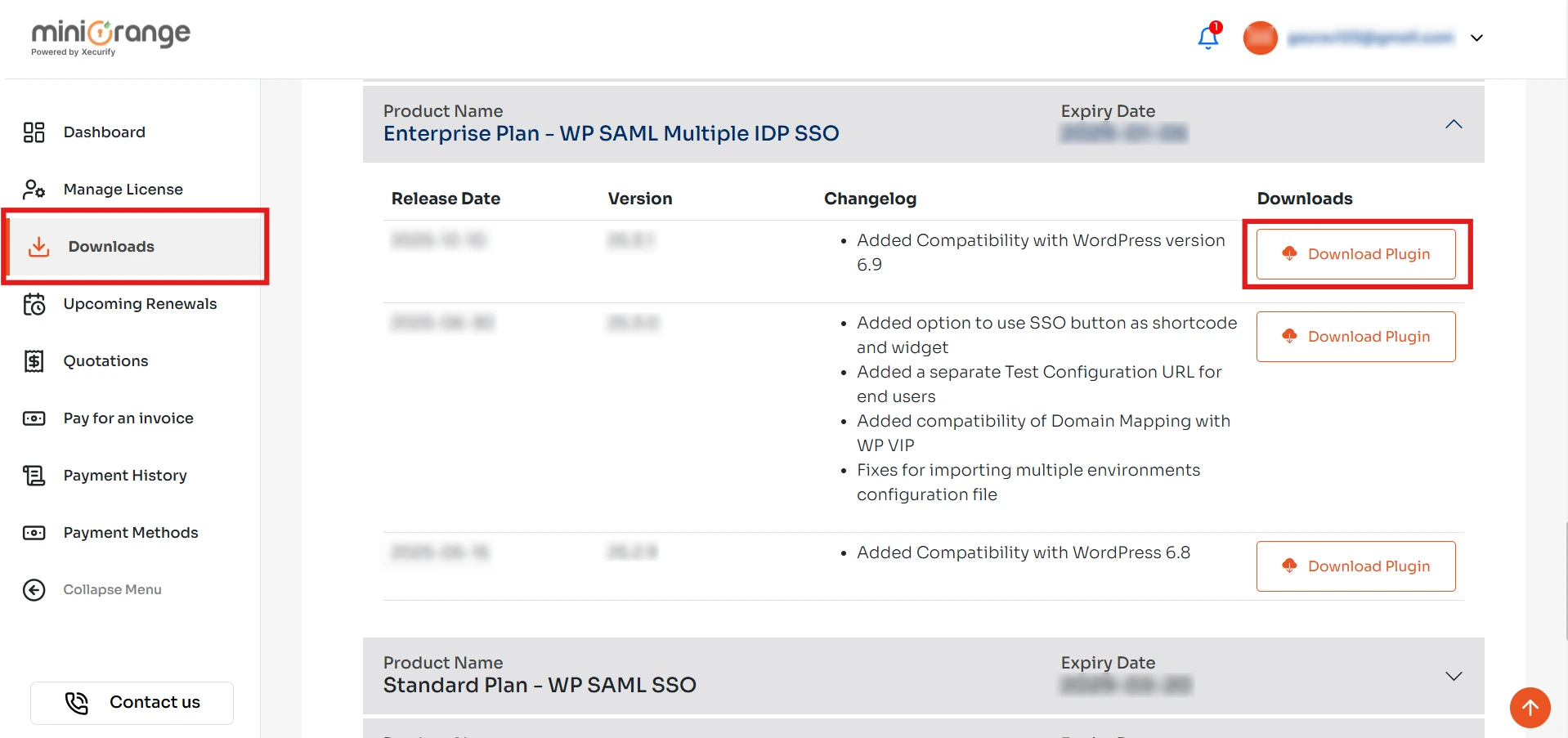
- From the left navigation menu, go to the Downloads section.
- Click on the Download Plugin button to download the plugin.
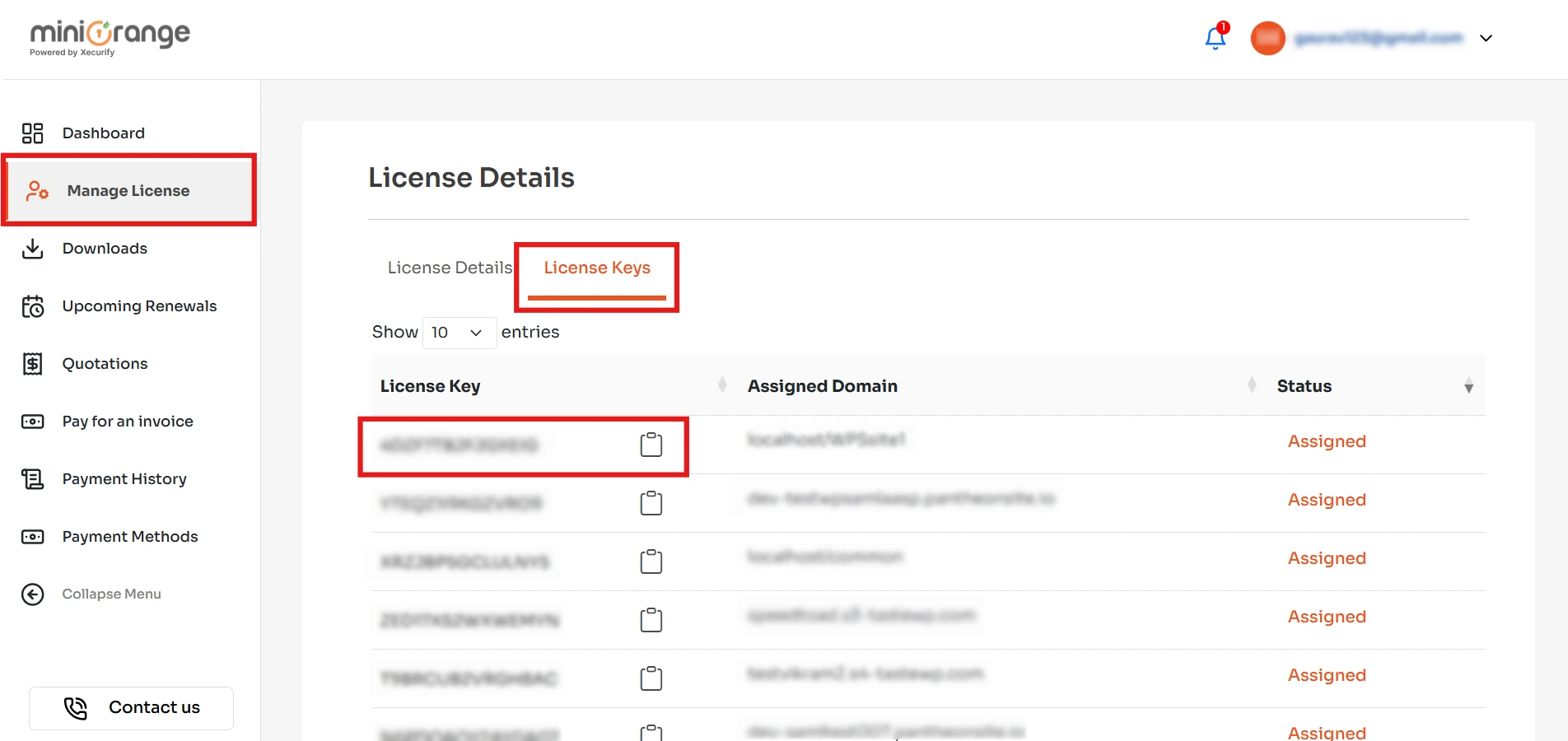
- Next, navigate to the Manage License section and click on License Keys.
- Copy the license key and use it to activate the plugin.
Feel free to reach us at samlsupport@xecurify.com


