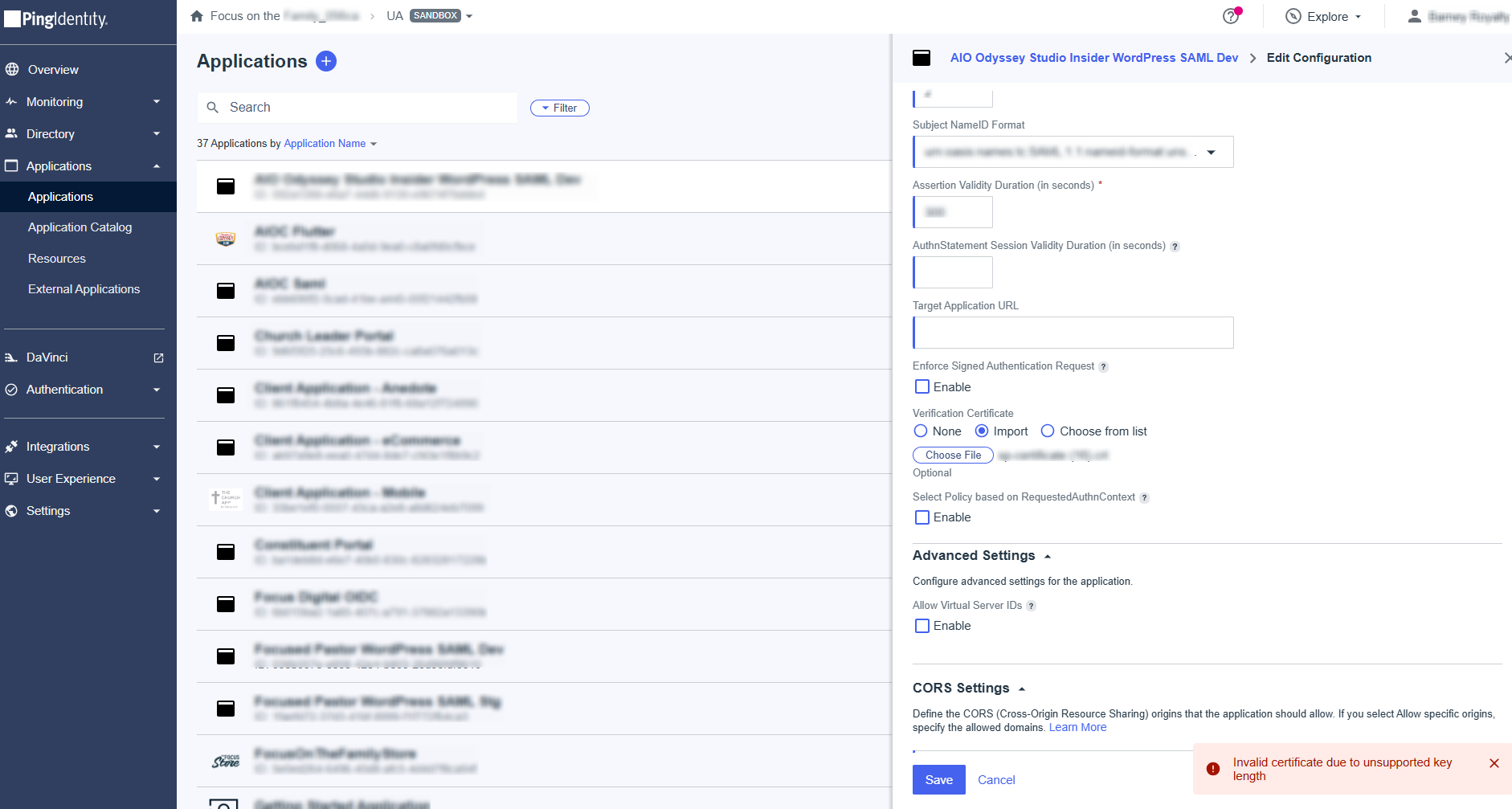
If you are facing Invalid certificate caused by unsupported key length issue when using PingOne, JumpCloud, or other Identity Providers.
Solution
You can add your custom certificate to your WordPress site by following these steps:
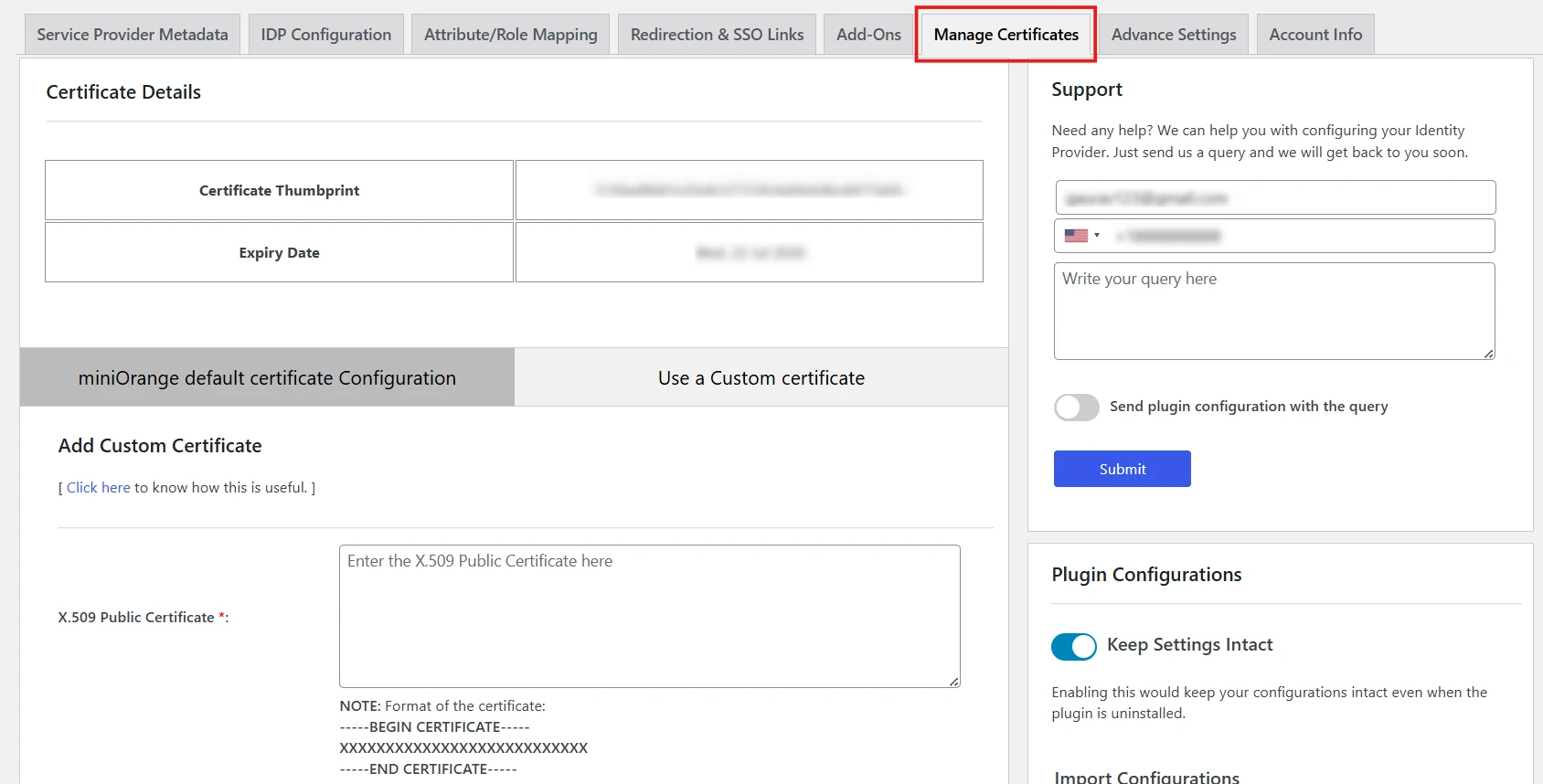
- Go to the miniOrange SAML SSO plugin.
- Navigate to the Manage Certificate tab.
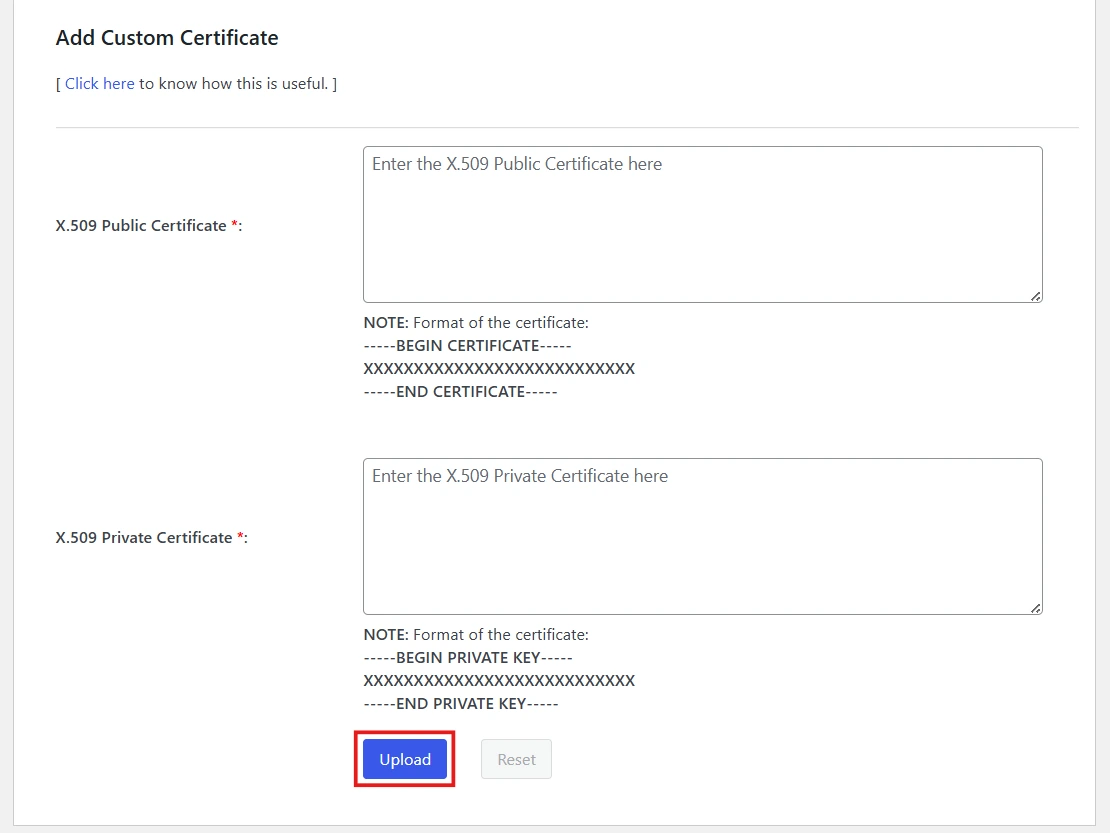
- Paste your certificate and click Upload button.
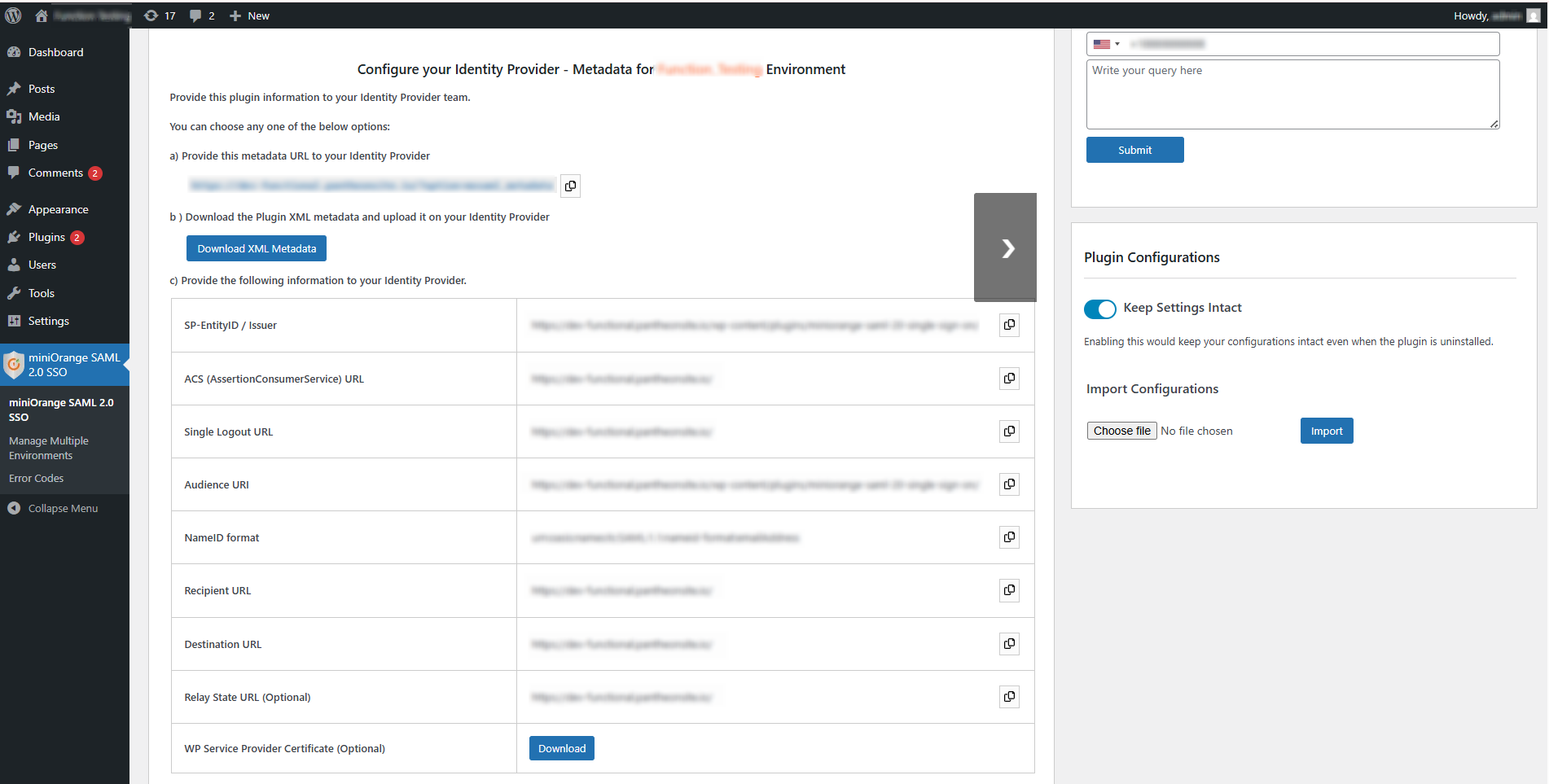
- Go to the Service Provider Metadata, download the certificate, and use the same certificate on your Identity Provider site.
Still need help?
If the issue persists, feel free to contact us at samlsupport@xecurify.com. Our support team will assist you further.


