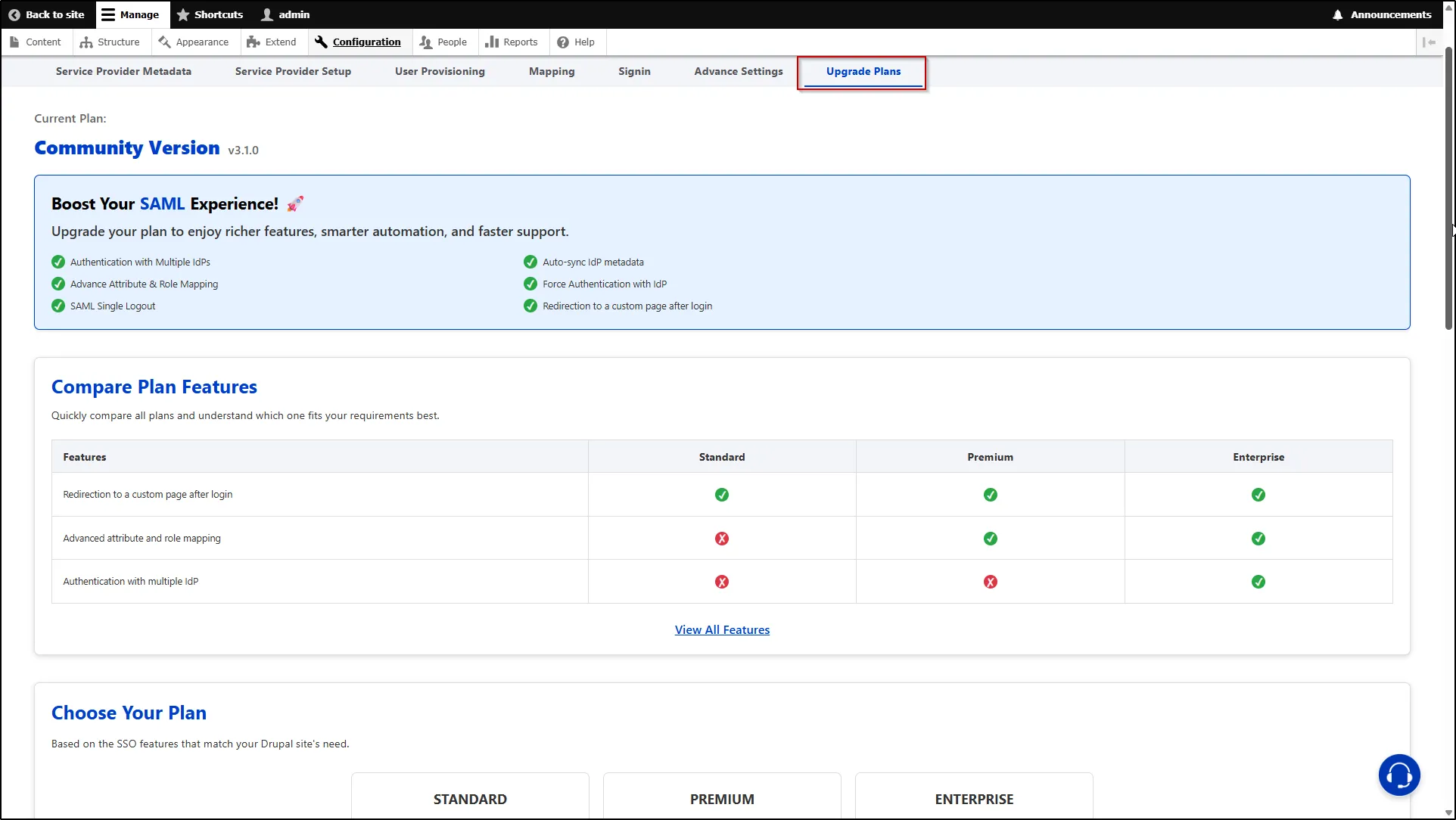
1. Navigate to the Upgrade tab of the miniOrange Drupal SAML SP module.
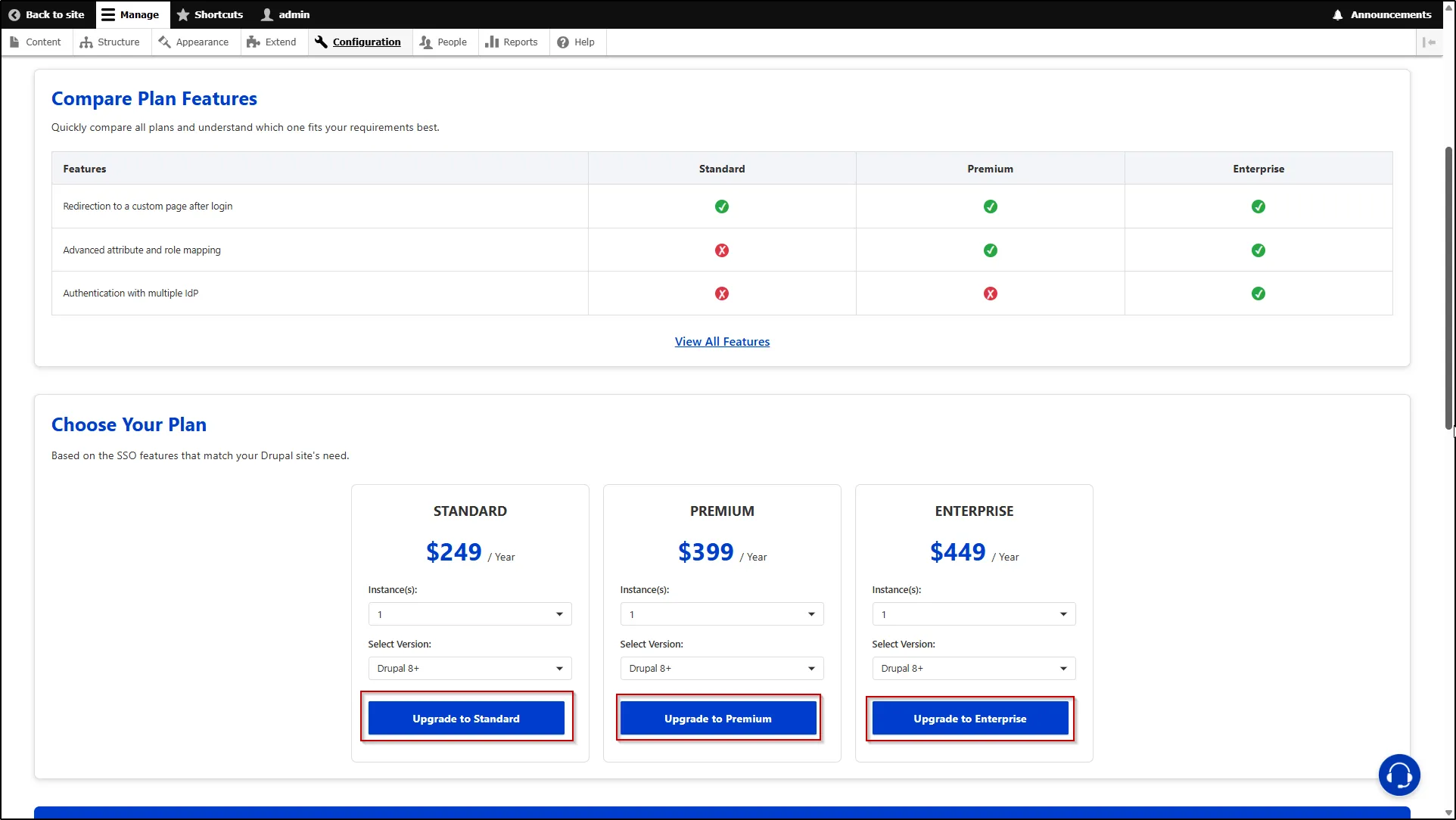
2. Check all the features and plans. Then click the Upgrade button for your selected plan. You will be redirected to the miniOrange payment portal.
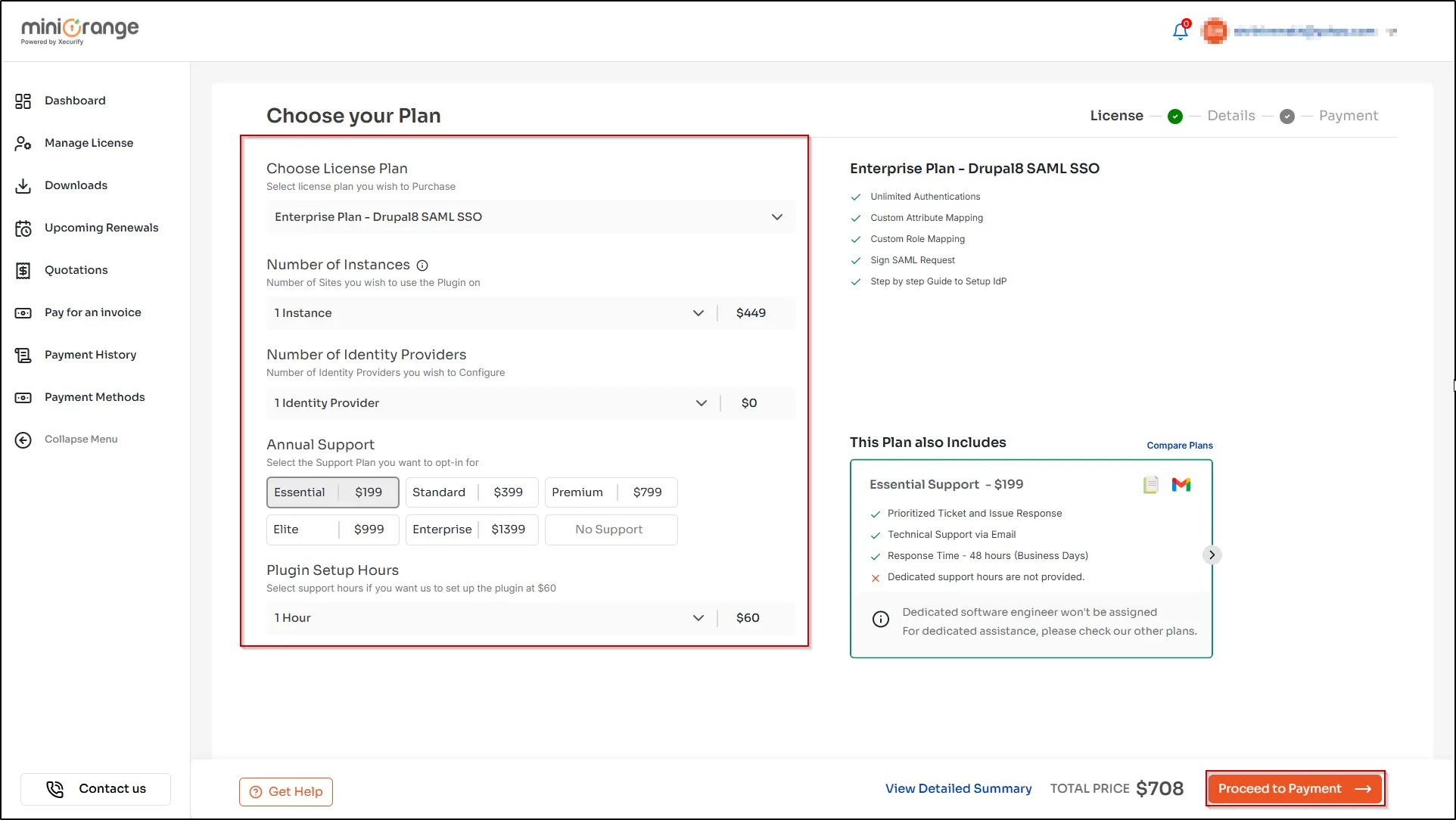
3. On the miniOrange payment portal, select plan, number of instances, number of IdP, support and setup hours.
4. After that, click the Proceed to Payment button and complete the payment.