Please follow the steps below to upgrade from the free version to the premium version of the plugin.
In the free plugin:
- Navigate to the IDP Configuration tab and enable the option Keep Settings intact.
- Deactivate and delete the miniOrange SAML 2.0 SSO plugin and install the Premium plugin.
Follow the steps mentioned below to download the Paid plugin:
- Click here to log in to your xecurify/miniOrange dashboard.
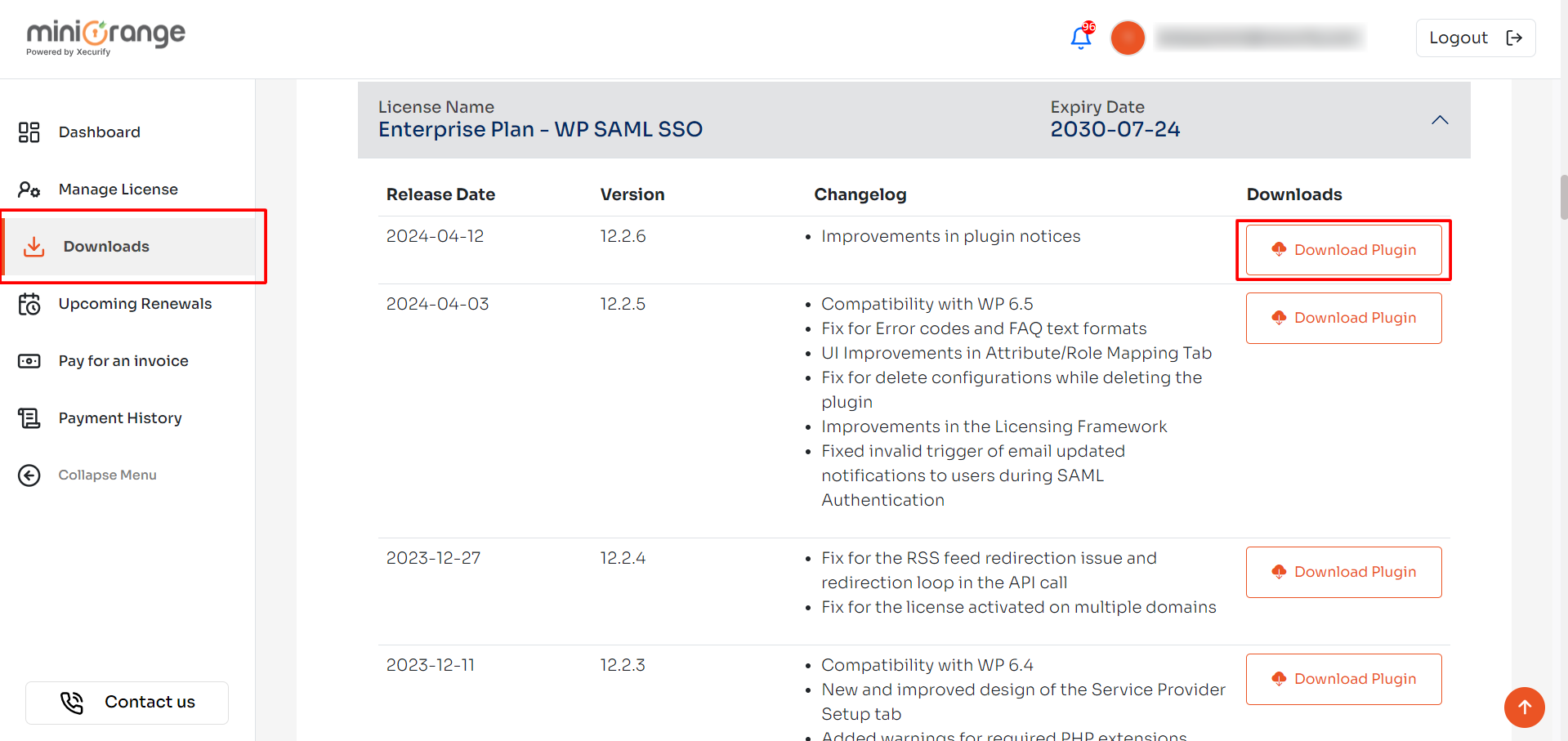
- Navigate to Downloads from the left section.
-
In this section, you can download the latest plugin using the available links. If a download link is unavailable, it indicates that your license has expired.
Note: To renew the license contact us at samlsupport@xecurify.com
Still need help?
If the issue persists, feel free to contact us at samlsupport@xecurify.com. Our support team will assist you further.


