Error Code Description:
This error occurs when the X509 certificate received in the SAML Response does not match the certificate configured in the plugin after encoding.
Solution:
-
To fix this error, turn off the Character encoding toggle in the IDP Configuration tab.
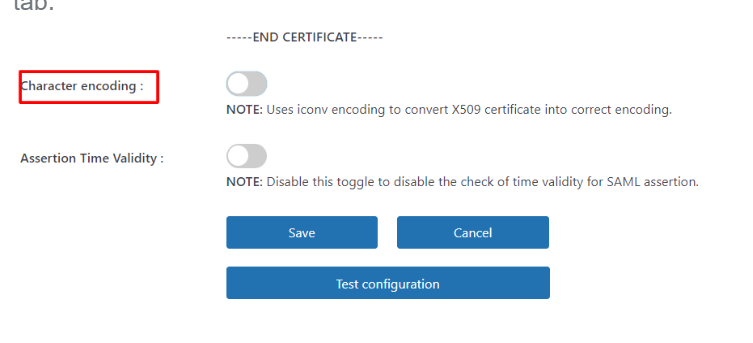
- To verify if the issue is resolved, navigate to the IDP Configuration tab and click the Test Configuration button.
Note:
To proactively prevent certificate mismatch errors (WPSAMLERR004), you can enable the Metadata Sync feature. This feature automatically retrieves and updates the IdP metadata at scheduled intervals, ensuring that any updated or rotated signing certificates are fetched and applied without manual intervention.
For detailed instructions on configuring and enabling Metadata Sync, please refer to this document.
Feel free to reach out us at samlsupport@xecurify.com.


